
Windows Server & PowerShell Labs
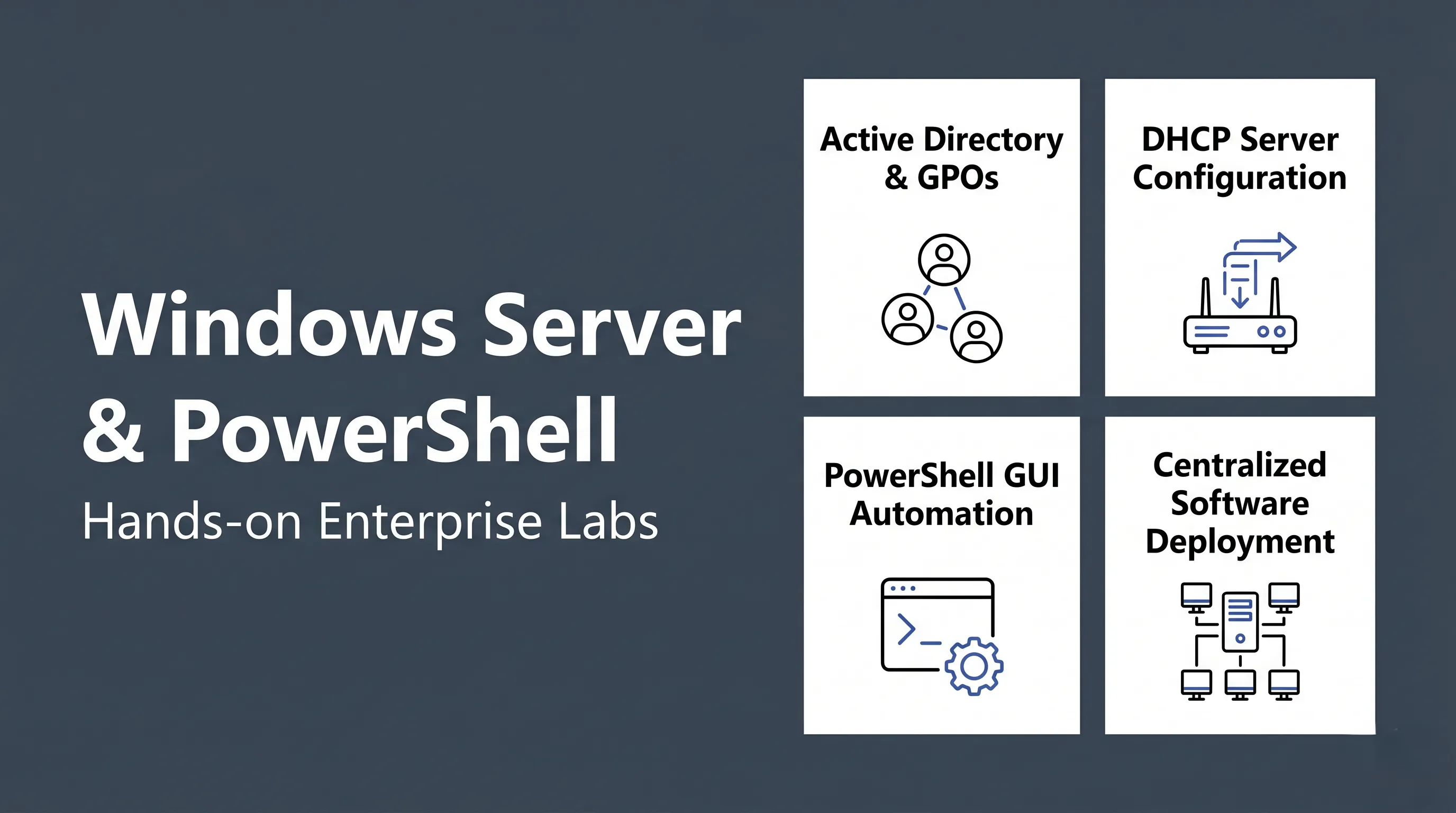
Windows Server and PowerShell labs from my semester at Canadore College. Covers setting up AD, DHCP, Group Policy, remote software deployment, and writing admin scripts from scratch.
Active Directory Set up AD DS and promote a Windows Server to a Domain Controller.
DHCP Server Install the DHCP role, create address scopes, and test client leases.
Group Policy Create GPOs, configure admin templates, and push workstation policies.
Centralized Deployment Push software installs to domain-joined machines remotely using PowerShell and admin shares.
PowerShell GUI A full WinForms IT dashboard built in PowerShell — AD management, health checks, backups, and more.
AD Admin (Basic) A basic script with a switch/case menu to create users, groups, and install server roles.
IPv4 Validator A small PowerShell script that validates IPv4 input — format, characters, and range.
AD Admin (Advanced) Extended admin script covering 10 operations: create, delete, reset, disable, enable, and group management.
What’s covered
Section titled “What’s covered”- Active Directory, DHCP, Group Policy — Windows Server roles and how to configure them
- Centralized software deployment over the network using PowerShell remoting
- Writing AD admin scripts from basic menus to a full 10-operation suite
- A full WinForms GUI dashboard built entirely in PowerShell
- Input validation scripting (IPv4 address checker)
About these labs
These labs were completed during my semester at Canadore College and originally submitted in Word and PDF format. I ran them through Pandoc and a Python script to convert everything to Markdown for publishing here.
The conversion was fast but not perfect — there may be the odd typo or formatting quirk that slipped through. I caught most of it, but some things get lost in translation.